perfarchive log collect
Method of collecting perfarchive:
1.Modify the autosupport transmission protocol
Clustername::>autosupport modify -node * -transport https
2.Run the collect command to collect logs for periods of slow performance.
Clustername::>system node autosupport invoke-performance-archive -start-date 10/31/2021 09:00:00 -duration 4h -uri file:///mroot/etc/log/retransmit/perfachivefilename.7z -node *
The red font represents custom content and can be modified as needed
3. Download perfarchive via SPI:
https://management-lif-ip/spi
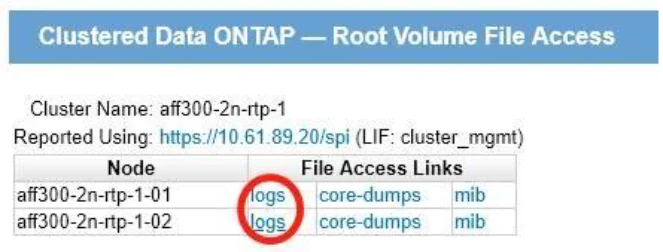
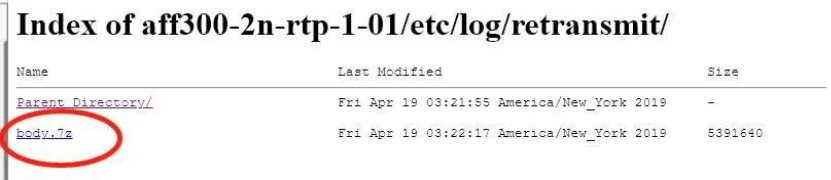
Go to the logs of each node separately, in the /etc/log/retransmit/ directory, download the latest autosupport log perfarchive.7z just produced by all nodes.
Note: After collecting and uploading logs, if autosupport is SMTP, change back to the smtp transmission protocol.
clustername::>autosupport modify -node * -transport smtp