netapp 性能日志收集
收集perfarchive的方法:
- 修改autosupport的传输协议
Clustername::>autosupport modify -node * -transport https
- 执行收集命令,收集性能慢时间段的日志。
Clustername::>system node autosupport invoke-performance-archive -start-date 10/31/2021 09:00:00 -duration 4h -case-number 8899665533 -uri file:///mroot/etc/log/retransmit/perfachivefilename.7z -node *
3.下载perfarchive通过SPI:
https://management-lif-ip/spi
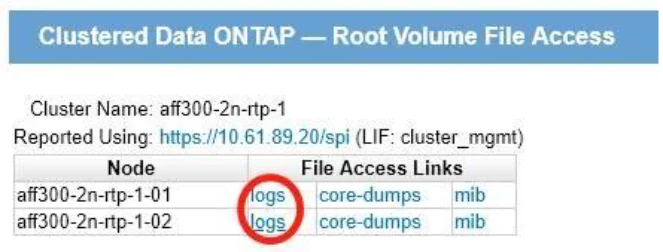
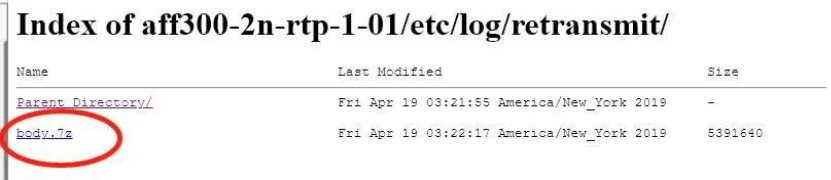
分别进入到每个node的logs中,在/etc/log/retransmit/目录下,下载所有nodes刚刚生产的最新的autosupport日志perfarchive.7z,
Note: 收集上传日志完成之后,如果autosupport是SMTP,再改回来smtp的传输协议。
clustername::>autosupport modify -node * -transport smtp