MSA2040日志收集
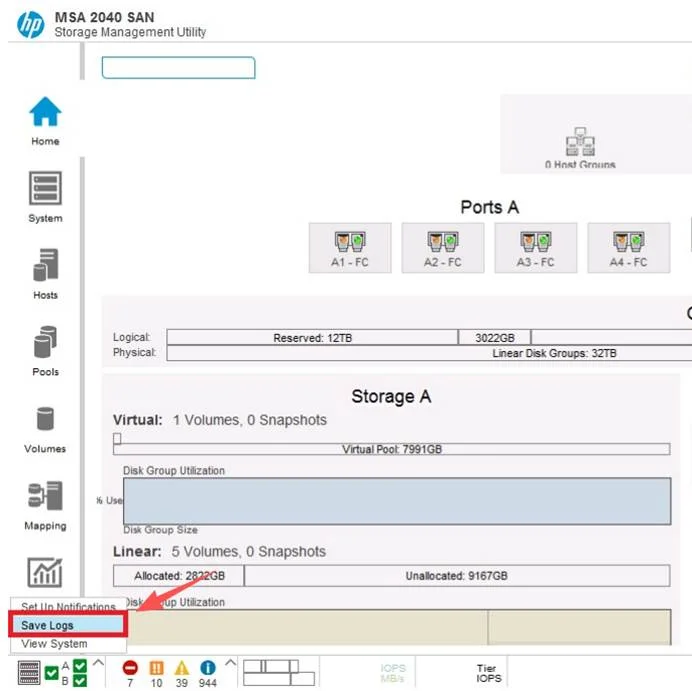
SMU V2保存日志方法:
1. In the Configuration View panel, right-click the system and select Tools > Save Logs.
2. In the main panel:
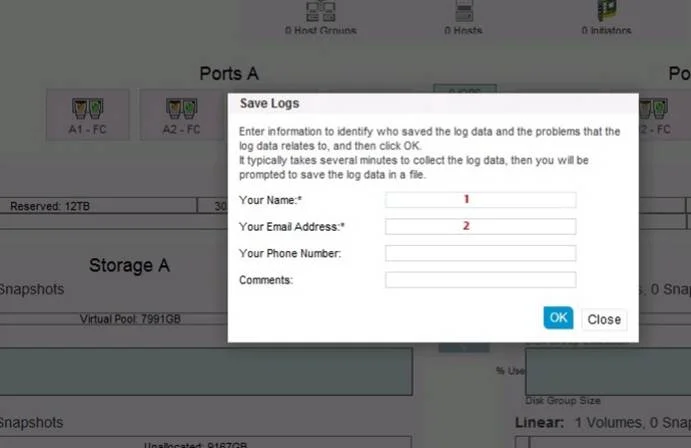
a. Enter your name, email address, and phone number so support personnel will know who provided the log data.
Each value can include a maximum of 100 bytes, using all characters except the following: " < > \
b. Enter comments that describe the problem and specify the date and time when the problem occurred. This information helps service personnel when they analyze the log data. Each comment can include a maximum of 500 bytes, using all characters except the following: " < > \
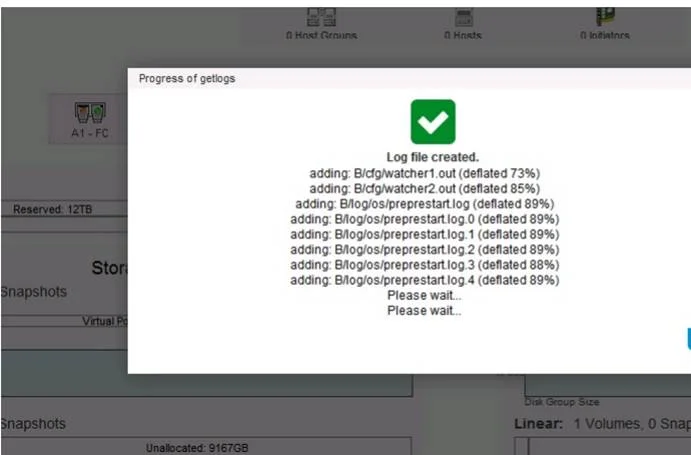
3. Click Save Logs.
SMU V3保存日志方法: